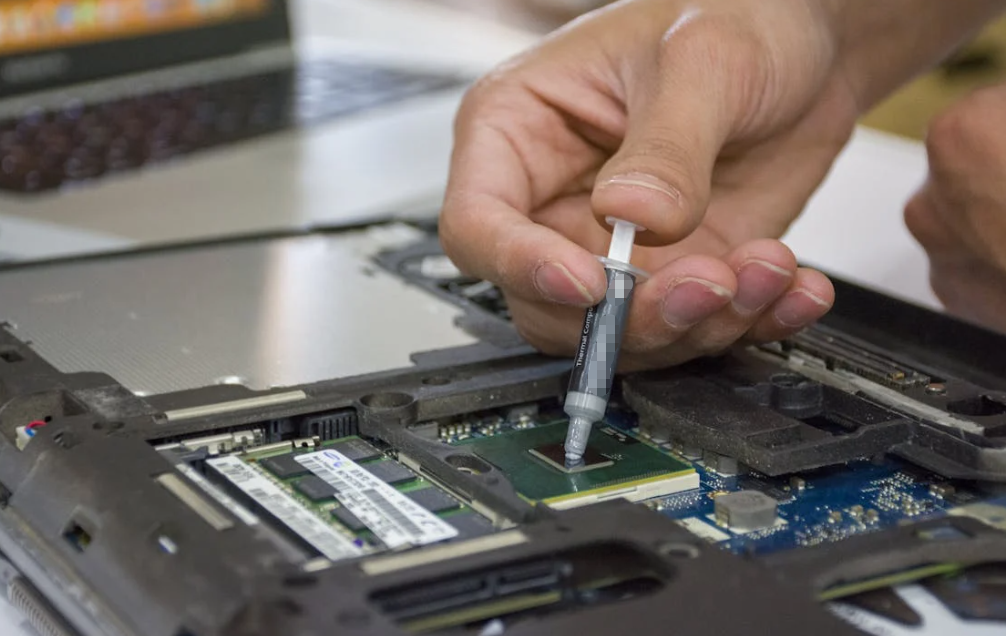
When designing or upgrading a computer system, one component often overlooked — yet universally critical — is the thermal paste between the CPU and cooler. Thermal paste, also called thermal compound or thermal grease, is the unseen but essential material that enables solid thermal transfer from a processor to its heatsink. Without it, even the best coolers will struggle to dissipate heat efficiently.
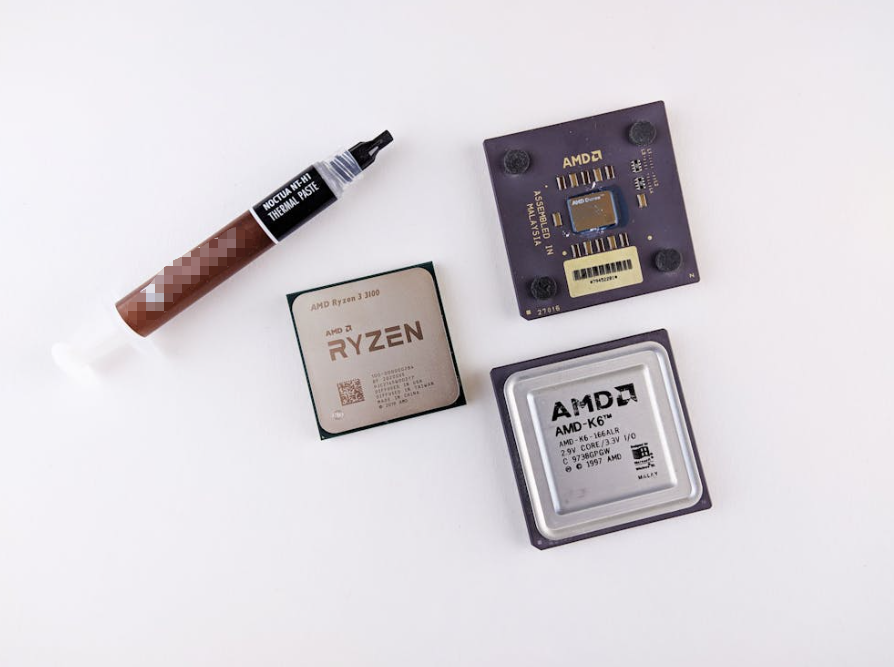
In this comprehensive guide, we’ll explore what thermal paste does, the factors that matter when choosing one, how performance is measured, common misconceptions, and practical buying recommendations. Whether you’re building your first PC or tuning a high-end workstation, this piece will help you choose the right thermal paste for your needs — including professional insights and actionable guidance.
1. What Is Thermal Paste and Why Does It Matter?
A CPU and its heatsink may look flat and perfectly matched, but on a microscopic level they’re anything but. Both surfaces have tiny irregularities and air gaps that impede heat transfer. Thermal paste fills those gaps, creating a highly conductive interface that dramatically improves heat flow from the CPU to the cooler.
Without a proper thermal interface material (TIM):
- Heat can accumulate at the CPU surface.
- Temperatures rise more quickly under load.
- Thermal throttling can reduce performance.
- Component lifespan can shorten due to excessive heat stress.
So, despite its modest appearance, thermal paste plays a central role in real-world CPU cooling efficacy.
2. How Thermal Paste Works: A Simplified View
Thermal paste isn’t magic — it’s physics. It fills microscopic voids between metal surfaces to enhance heat conduction. Metals like copper and aluminum are great conductors, but even tiny pockets of air act as insulators and impede efficient heat transfer.
Thermal paste bridges that gap. It’s formulated with thermally conductive materials (like ceramic or carbon) suspended in a carrier grease. When applied correctly, it creates a uniform layer that lets heat travel efficiently from silicon to cooler (heatsink or liquid block). A superior thermal paste keeps temperatures lower — especially under heavy loads like gaming, rendering, or overclocking.
3. Key Factors When Choosing Thermal Paste
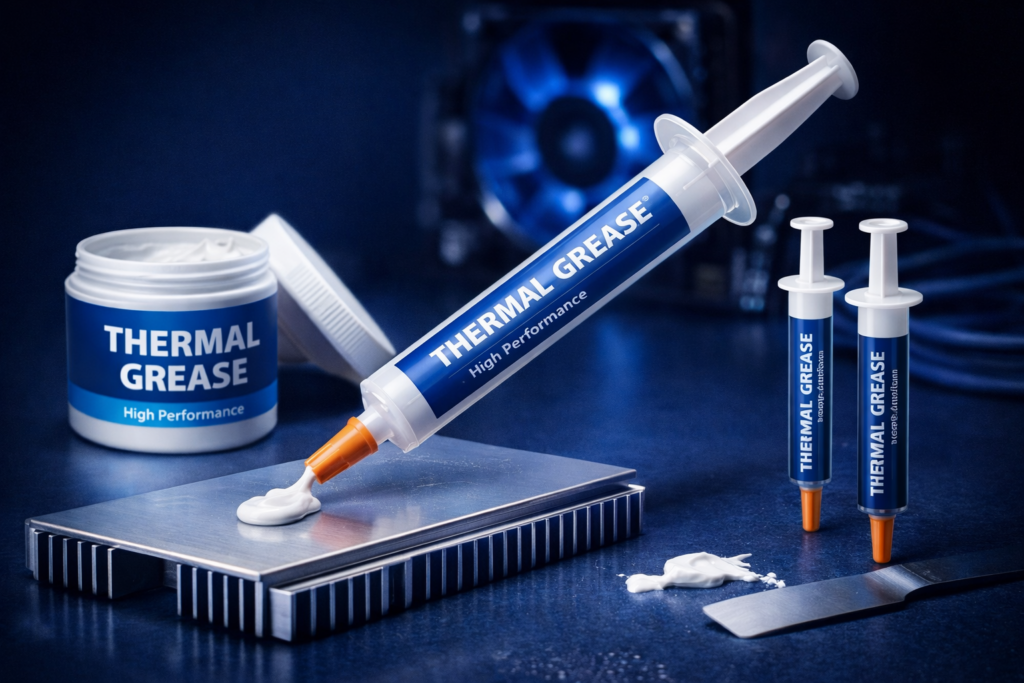
Choosing a thermal paste isn’t just about brand names or price tags. Several technical considerations directly impact performance and long-term reliability:
Thermal Conductivity (W/mK)
The primary metric people reference when comparing pastes is thermal conductivity, measured in Watts per meter-Kelvin (W/mK). A higher number generally means better heat transfer capability between CPU and heatsink.
Thermal pastes fall into a broad range:
- Standard pastes: ~5–10 W/mK
- Premium pastes: >10 W/mK
- Liquid metal compounds: >14 W/mK (often much higher)
But remember: thermal conductivity isn’t the sole predictor of real-world results. Application method, consistency, and system airflow also matter.
Electrical Conductivity: Safety First
Some thermal pastes — especially those with metal particles or liquid metal — can conduct electricity. If accidentally spilled onto a motherboard or socket, these compounds can short components and cause permanent damage.
For most everyday users and mainstream builders, non-electrically conductive pastes are safer and easier to work with.
Viscosity and Ease of Application
Viscosity describes how thick or “buttery” a paste feels. A high-viscosity paste holds its shape well but can be harder to spread. Lower-viscosity pastes spread more easily but may pump out under repeated thermal cycling if under-mounted.
Consider these characteristics:
- High Viscosity: Offers stable thermal interface, less likely to shift under load.
- Low Viscosity: Easier application, suits beginners.
Different brands and products strike unique balances, so you’ll want to match your comfort level with performance expectations.
Longevity & Durability
A good thermal paste should not dry, harden, separate, or lose effectiveness over time. Long-lasting compounds reduce the need for frequent replacement — ideal for systems meant to run constantly or under load for years.
Some premium pastes are designed to stay effective for two to four years — and sometimes more.
Operating Conditions & Use Case
The right thermal paste for a gaming PC might differ from one for a workstation or compact laptop:
- Overclocking enthusiasts might prefer high conductivity or even liquid-metal compounds for maximum heat transfer.
- Workstation users might prioritize long life and stability.
- Laptops or compact PCs might want pastes resistant to thermal pumping and drying over repeated heating/cooling cycles.
User preferences and hardware goals strongly influence the right choice.
4. Types of Thermal Paste Explained

Thermal pastes can generally be categorized based on what they’re made of and how they behave:
Silicone or Ceramic-Based Pastes
These are the most common and user-friendly thermal pastes. They typically:
- Are electrically non-conductive
- Offer good thermal performance
- Last a long time under normal use
Many mainstream recommended products fall into this category, including popular options like Arctic MX-series and Noctua pastes.
Carbon-Based Pastes
Carbon or graphite pastes use carbon particles to enhance heat conduction. They are often:
- Non-conductive
- Good performers in both CPU and GPU applications
- Good long-term reliability
Carbon pastes combine safety with respectable heat transfer efficiency.
Metal-Based & Liquid Metal Compounds
Metal-based pastes, including liquid metal, deliver superior thermal conductivity — often significantly more than silicone or carbon compounds. However:
- They can be electrically conductive
- They are harder to apply
- They can cause corrosion over time if not used correctly
Liquid metal is typically recommended for advanced users or extreme overclockers.
5. Popular Thermal Paste Options in the Market (2026)

While many brands exist, certain pastes consistently surface in expert reviews and rankings. Below are examples frequently mentioned for their performance and reliability:
Premium & High-Performance
- Thermal Grizzly Kryonaut – Often cited as a top standard compound with very good thermal transfer.
- Thermal Grizzly Duronaut / Arctic MX-6 – Top rated in some lab performance rankings and tests.
- Prolimatech PK-2 – A well-regarded high-end, non-conductive paste with long life.
Best Value & Everyday Use
- Arctic MX-6 – A versatile, strong performer known for balance of price and performance.
- Noctua NT-H1 / NT-H2 – Easy to apply, durable, and widely recommended for general cooling needs.
- Corsair XTM50 or TM30 – Good for builders who like included stencils or applicators.
Safety Note: “Reactive” Pastes to Avoid
Some very low-cost pastes on the market have been flagged in investigative testing for causing corrosion or emitting harmful vapors due to chemical reactivity — issues that can damage coolers or CPUs.
Safer choices are non-conductive and chemically stable thermal pastes from reputable brands.
6. Application Techniques: Best Practices
Proper application is as important as the material you choose. Here’s how to ensure you get optimal thermal performance:
Clean Old Paste Before Replacing
Use isopropyl alcohol and lint-free wipes to completely remove old thermal paste. Any residue left behind can degrade performance.
Apply the Right Amount
A pea-sized dot in the center of the CPU is standard for most modern CPUs; larger dies may benefit from specific patterns. Too much paste can reduce thermal transfer if it creates a thick layer, and can potentially squeeze out.
Let the Cooler Settle
When mounting the cooler, apply even pressure and avoid rocking the unit, which can cause uneven spread.
Avoid Electrical Hazards
If you’re using a conductive paste (like liquid metal), take extra care not to spill it on motherboard components. Use protective tape and controlled application.
7. Common Misconceptions About Thermal Paste
Here are some myths and truths every buyer should understand:
Myth: More Expensive = Always Better
Reality: Price alone doesn’t dictate performance. Often, mid-range pastes deliver excellent results that are indistinguishable in everyday use from premium options.
Myth: Any Thermal Paste is Good Enough
Reality: All thermal pastes are not created equal. Cheap, low-quality compounds can dry quickly or perform poorly, especially under sustained load or over time.
Myth: Replacing Paste Instantly Improves Performance Dramatically
Truth: Properly applied paste helps thermal transfer, but major temperature improvements usually occur only if old paste has degraded or been poorly applied.
8. How Long Does Thermal Paste Last?
Thermal paste doesn’t last forever. While stable high-quality pastes can remain effective for years under normal desktop use, some will dry, crack, or lose conductivity over time — especially in laptops or systems with frequent temperature swings.
For typical desktop PCs, many builders replace thermal paste every 2 to 3 years or when performing significant upgrades. Extreme overclockers or hot environments may call for more frequent checks.
Performance vs Durability: Finding the Balance
Choosing the best thermal paste depends on your needs:
- Max performance (overclocking / high heat loads): High conductivity or even liquid metal compounds.
- Balanced performance & safety: Premium ceramic or carbon pastes.
- Budget builds / everyday use: Good-quality mid-range pastes.
At HakTak, our thermally conductive materials are engineered with high conductivity, stability, and reliability in mind — ideal for advanced CPU cooling applications as well as industrial thermal management solutions.
9. Conclusion
Picking the best thermal paste for your CPU isn’t as simple as grabbing the cheapest tube off the shelf. It requires understanding how thermal conductivity, composition, application ease, and safety interplay to affect real-world performance. With the right knowledge — and the right product — you’ll ensure your CPU stays cool under load, runs efficiently over its lifetime, and delivers reliable performance whether you’re gaming, rendering, or crunching complex computation.
By focusing on quality, safety, and performance characteristics — as well as real test data and community experience — you can confidently choose the thermal interface material that’s best aligned with your system’s needs.
10. Frequently Asked Questions (FAQs)
What exactly does thermal paste do?
Thermal paste fills microscopic gaps between the CPU and cooler to improve heat transfer.
Does thermal conductivity rating always predict performance?
It’s a good indicator, but actual performance also depends on application quality and system setup.
Should I use liquid metal thermal paste?
Only if you need extreme performance and understand the risks (conductivity and application difficulty).
How much thermal paste should I apply?
Generally, a small pea-sized dot in the center is sufficient for most CPUs.
How often should I replace thermal paste?
Replace every 2–3 years for desktops or whenever you upgrade or remove the heatsink.