
Thermal paste — also known as thermal compound, thermal grease, or TIM (Thermal Interface Material) — is critical in any electronic cooling system. Between a CPU, GPU, or any integrated circuit and its heatsink, thermal paste fills microscopic gaps to ensure efficient heat transfer. But one of the most common questions among system builders, IT technicians, and thermal management experts is:
How long can thermal paste be used?
There isn’t a single simple answer — because the lifespan of thermal paste depends on many variables, including storage conditions, type of paste, system usage, and the quality of the compound itself. In this comprehensive guide, we’ll break down everything you need to know so you can make informed decisions about thermal paste usage, shelf life, and replacement intervals — with real-world data from multiple sources.
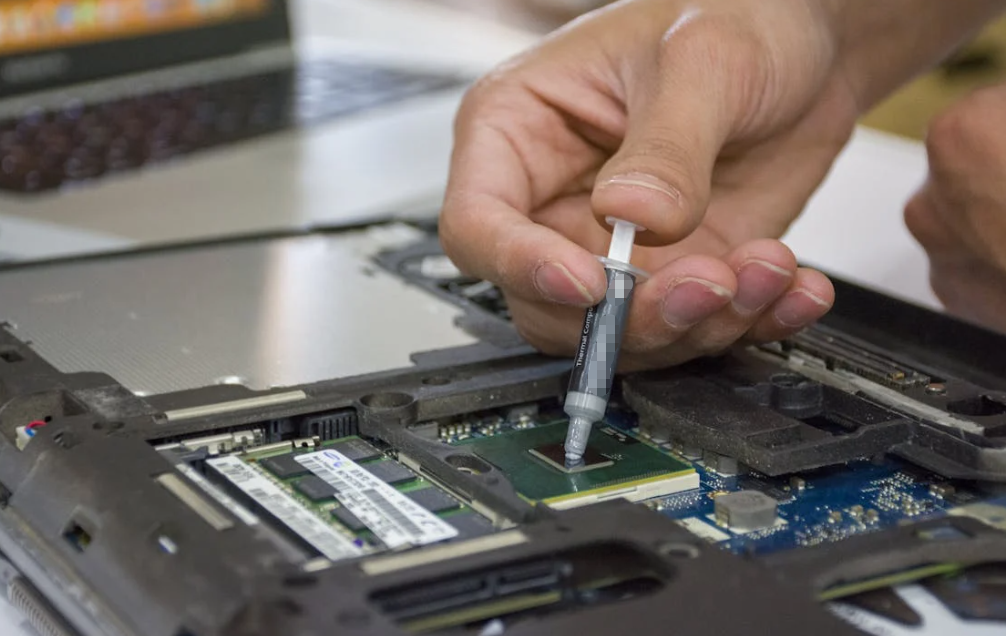
What Is Thermal Paste and Why Its Lifespan Matters
Thermal paste is a conductive interface material designed to improve heat dissipation by filling tiny gaps between a chip and its cooler. Without proper TIM, hot spots develop, raising operating temperatures and potentially reducing performance or shortening component life.
Over time, however, thermal paste can dry out, separate, or lose its thermal conductivity — which reduces its effectiveness as a heat conductor. This degradation can lead to higher temperatures and unnecessary strain on your cooling system.
Understanding Thermal Paste Lifespan — Tube vs. Applied
The lifespan of thermal paste depends on whether it’s stored in the tube or applied to a component. These are two very different scenarios:
Shelf Life — Unopened & Opened in Storage
• Unopened tube: Most thermal pastes remain usable between 3 to 5 years when stored in a cool, dry environment. Some manufacturers even suggest up to 7 years for certain compounds.
• Opened tube: Once opened, exposure to air begins degrading the paste. A good rule of thumb is to use it within 6 to 12 months after opening to avoid drying and chemical separation.
Key Point: Heat, oxygen, humidity, and improper sealing speed up degradation.
Applied Thermal Paste — On Your System
Once thermal paste is applied between a heatsink and a chip (CPU, GPU, etc.), it will start to age under real workload conditions:
Typical lifespan under normal use: Around 2 to 5 years before a reapplication should be considered.
Factors that influence how quickly it degrades:
- Intensity of use: Gaming, rendering, or overclocking generates higher sustained temperatures that shorten paste life.
- Quality of paste: Premium compounds tend to last longer. Standard silicones may dry sooner than metal-based or carbon-based alternatives.
- Environmental conditions: High ambient temperatures and dusty systems heat components more, accelerating degradation.
Premium pastes used in controlled environments may last beyond 5 years under gentle workloads. However, you should always monitor thermal performance rather than blindly trusting a timeline.
How Different Types of Thermal Pastes Compare

There’s no universal longevity for all thermal pastes — composition matters:
Silicone-Based Thermal Paste
- Great for general use.
- Typically lasts 3 to 5 years in storage.
- In use, performance begins to wane sooner than higher-end compounds.
Ceramic-Based Thermal Paste
- Stable compound with good conductivity.
- Shelf life: 4 to 6 years unopened.
- In-use performance often lasts several years.
Metal-Based Thermal Pastes
- Higher thermal conductivity and higher durability.
- Unopened: 5 to 7 years shelf life.
- In-use: Can last longer than standard compounds, but susceptible to oxidation if stored poorly.
Carbon or Graphite-Based Paste
- Good performance and stability.
- Shelf life around 3 to 5 years unopened with moderate in-use longevity.
Liquid metal compounds are a special case — often offering better conductivity but requiring careful handling, and they may have different longevity characteristics.
When Should You Replace Thermal Paste? Expert and Practical Guidelines
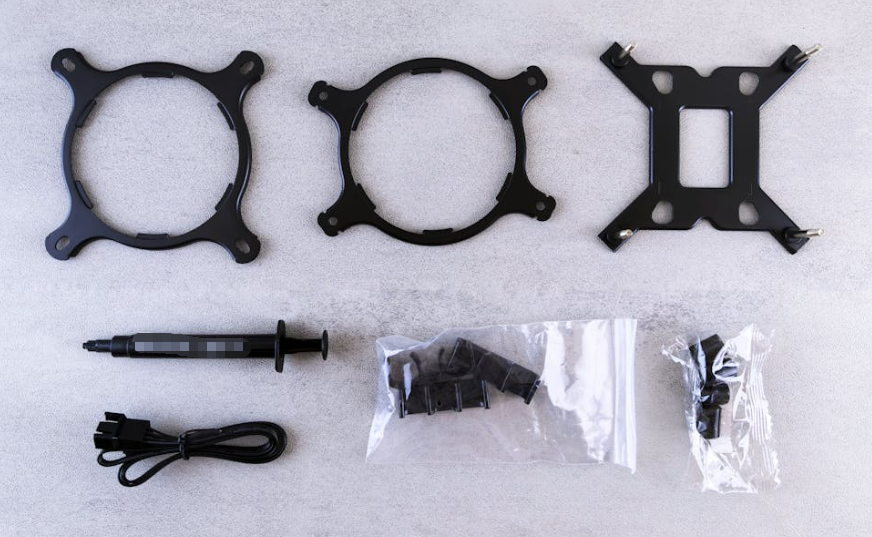
Here’s how to translate lifespan estimates into practical intervals:
General Consumer Systems
Replace every 3 to 5 years if temperatures rise or during scheduled maintenance.
Gaming or High-Performance Builds
With sustained high loads or frequent gaming, consider fresh paste every 1 to 3 years.
Overclocked or Intensive Workstations
For systems routinely near thermal limits, check temps annually and reapply if needed.
Whenever You Remove a Cooler
Always replace paste after removing heatsinks or coolers — reusing old paste can trap air and degrade performance immediately.
Visual & Performance Signs That Thermal Paste Needs Replacement

Rather than relying solely on age, monitor your system for these indicators:
Rising Die Temperatures
Even if usage patterns stay the same, an increase in CPU/GPU temperatures suggests degraded conductivity.
Cooler Fan Speed Up
Fans ramping up sooner than before under similar loads can signal thermal inefficiency.
Dry, Cracked, or Clumpy Paste
When you inspect under the cooler, any visible drying or separation means it’s time to replace.
Frequent Throttling
If CPU performance drops due to heat throttling, the thermal interface may be compromised.
Best Practices for Storage and Use
To maximize thermal paste life:
Store tubes at room temperature in a dry place.
- Keep caps sealed tightly after use.
- Avoid extreme heat or humidity.
- Check texture and consistency if paste has been stored a long time.
- Label tubes with purchase/opening dates to track their age.
Conclusion
Understanding how long thermal paste can be used is crucial for maintaining optimal cooling performance in modern electronics. While typical thermal pastes can last 3–5 years inside a sealed tube and 2–5 years once applied, the real-world lifespan varies widely based on usage patterns, environmental conditions, and product quality. Instead of relying solely on age, routinely monitor system temperatures and performance indicators to know when it’s time to reapply.
High-quality thermal paste combined with proactive monitoring and good storage practices can save you money, reduce unnecessary maintenance, and keep your hardware running cool for years.
FAQs — Quick Thermal Paste Answers
How long does thermal paste last in the tube?
Unopened, most pastes generally remain good for about 3–5 years if stored properly.
Does thermal paste go bad once opened?
Yes — once opened, exposure to air starts deterioration. It’s best used within about 6–12 months.
How long does thermal paste last on a CPU/GPU?
Applied thermal paste usually lasts 2–5 years under normal operating conditions.
Should I replace thermal paste if my temps increase?
Yes — rising temperatures often indicate degraded paste effectiveness.
When should I definitely replace thermal paste?
Always replace it when removing or reinstalling a heatsink, or when performance indicators worsen.