Smartphones today are astonishingly powerful. A modern mobile processor can handle 4K video, console-level gaming, and AI workloads—all inside a device thinner than a pencil. But with power comes heat. Managing that heat is one of the biggest engineering challenges in mobile electronics.

Because thermal paste is widely used in desktop computers and laptops, many people wonder: can thermal paste also be used inside a smartphone? The short answer is yes, but only under specific conditions—and often not in the way people expect.
This guide explains how thermal paste works in smartphones, when it can be used, when it shouldn’t be used, and what alternatives modern smartphone manufacturers prefer.
Understanding Thermal Paste
Thermal paste—also called thermal compound, thermal grease, or thermal interface material (TIM)—is a heat-transfer material applied between two surfaces to improve thermal conductivity.
Microscopic imperfections exist on almost all metal surfaces. Even when two surfaces appear flat, tiny air pockets remain between them. Air is a poor conductor of heat. Thermal paste fills those microscopic gaps and allows heat to transfer efficiently between components.
Typically, thermal paste sits between:
- A processor (CPU or GPU)
- A heatsink or metal heat spreader
The paste ensures heat moves quickly away from the chip to prevent overheating.
In desktop PCs and laptops, this configuration is extremely common. Smartphones, however, use a different thermal architecture.
Why Smartphones Need Thermal Management

Despite their small size, smartphones generate considerable heat during:
- Gaming
- Video recording
- Fast charging
- 5G data transmission
- AI processing
If heat is not dissipated properly, several problems occur:
- CPU throttling (performance drops)
- Battery degradation
- Shortened component lifespan
- Uncomfortable surface temperatures
Modern smartphone processors can reach thermal limits of around 85–100°C, forcing the device to reduce performance to prevent damage.
That is why manufacturers invest heavily in compact cooling systems designed specifically for mobile devices.
Typical Smartphone Cooling Systems
Unlike PCs, smartphones cannot rely on large heatsinks or fans. Instead, they combine multiple thin thermal solutions.
Common smartphone cooling technologies include:
Thermal Graphite Sheets
Graphite layers spread heat across the phone’s chassis. This technique distributes heat evenly so that one area does not overheat.
Vapor Chambers
High-end phones use vapor chambers—tiny sealed chambers filled with fluid. When the processor heats up, the liquid evaporates, moves heat away, and condenses elsewhere.
These systems can significantly reduce performance throttling during heavy workloads.
Thermal Pads
Thermal pads are soft, pre-formed materials placed between chips and metal surfaces. Like thermal paste, they fill air gaps and improve heat transfer.
Metal Frames
Many phones use their aluminum frame as a heat spreader, moving heat from the processor to the outer shell.
Do Smartphones Actually Use Thermal Paste?

The answer: sometimes—but not always.
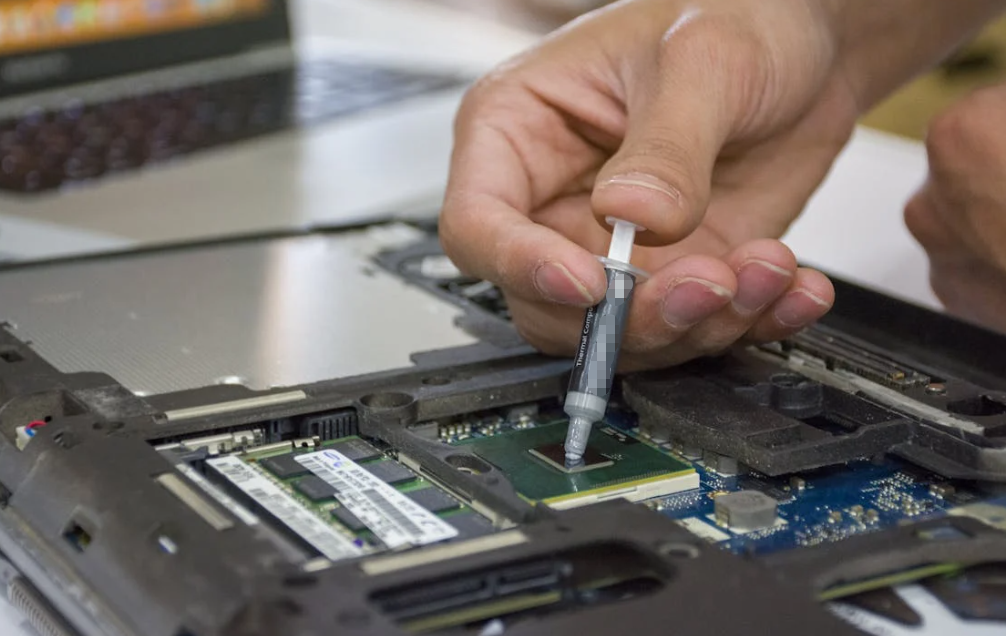
In many smartphones, manufacturers use thermal paste or thermal gel in very small amounts between:
- The processor (SoC)
- Heat spreaders
- Internal metal shields
The goal is to improve contact between the chip and the cooling system.
Repair guides show that when phones are disassembled, technicians can sometimes find thermal paste near the processor or motherboard heat spreaders.
However, compared to computers, smartphones use far less paste and rely more heavily on pads, graphite sheets, and vapor chambers.
Can You Add Thermal Paste to a Smartphone Yourself?
Technically, yes. Practically, it’s rarely recommended.
Replacing or adding thermal paste inside a phone requires:
- Opening the device without damaging components
- Removing old thermal interface materials
- Applying a tiny amount of paste
- Reassembling the device precisely
Even a small mistake can damage:
- Connectors
- Camera modules
- Batteries
- Display cables
Because smartphones are extremely compact and delicate, thermal paste replacement is usually done only by experienced technicians.
Situations Where Thermal Paste May Be Used in Smartphones

Although uncommon for casual users, thermal paste may be used in several scenarios.
Smartphone Repair
During motherboard repair, technicians may replace degraded thermal paste to restore proper heat transfer.
Over time, some low-quality compounds can dry out, crack, or lose effectiveness.
Performance Modding
Advanced users sometimes modify phones—especially older devices—to improve cooling for gaming or heavy workloads.
For example, enthusiasts sometimes replace factory thermal pads with higher-performance paste.
In community experiments, some users report lower idle temperatures after applying new paste, although results vary depending on device design.
Manufacturing Applications
In smartphone manufacturing, specially formulated thermal interface materials may be applied between chips and heat spreaders.
These materials must meet strict requirements including:
- High thermal conductivity
- Electrical insulation
- Chemical stability
- Temperature resistance
Risks of Using Thermal Paste Inside Smartphones
While thermal paste can improve heat transfer, improper use can cause serious problems.
Electrical Conductivity
Some thermal pastes contain metal particles.
If such paste touches electronic circuits, it can cause short circuits or device failure.
Smartphone applications require electrically insulating paste.
Excessive Application
Applying too much paste can lead to:
- Leakage onto surrounding components
- Reduced cooling performance
- Assembly issues
Thermal paste works best in very thin layers.
Pump-Out Effect
Smartphones experience constant thermal expansion and contraction. This can push thermal paste out of the contact area—a phenomenon known as pump-out.
Over time, this may create air gaps and increase temperatures.
Chemical Compatibility
Low-quality thermal pastes may corrode metal surfaces or degrade over time, especially in compact electronic devices.
Why Thermal Pads Are Often Preferred in Smartphones
For mobile electronics, thermal pads offer several advantages:
- Easier installation
- Consistent thickness
- Less risk of leakage
- Better tolerance for uneven surfaces
Because smartphone components are stacked tightly, pads help maintain reliable contact between chips and cooling surfaces.
Thermal paste, while more thermally conductive in many cases, is harder to control in such compact spaces.
Comparing Thermal Paste vs Thermal Pads in Phones
| Feature | Thermal Paste | Thermal Pad |
| Thermal Conductivity | Higher | Moderate |
| Application Difficulty | High | Easy |
| Risk of Leakage | Yes | No |
| Thickness Control | Hard | Precise |
| Typical Smartphone Use | Limited | Very common |
Manufacturers usually choose the option that balances thermal performance, manufacturability, and reliability.
Can Thermal Paste Improve Smartphone Cooling?
In theory, yes—but the improvement is usually small.
Smartphone cooling is limited by:
- Internal space
- Passive cooling design
- Battery safety limits
- Heat spreader size
Adding thermal paste alone cannot dramatically reduce temperatures if the overall cooling system is already constrained.
For heavy workloads such as mobile gaming, external cooling accessories or optimized software settings often produce better results.
Best Practices If You Use Thermal Paste in a Phone
If you are repairing or modifying a smartphone, follow these guidelines:
Use Non-Conductive Thermal Paste
Choose ceramic or silicone-based compounds designed for electronics.
Avoid liquid metal compounds because they are electrically conductive.
Apply a Very Thin Layer
A tiny dot or thin spread is enough. Excess paste reduces efficiency.
Clean Old Paste Completely
Before applying new paste, remove old residue using isopropyl alcohol and lint-free wipes.
Avoid Covering Other Components
Paste should only be applied where the manufacturer intended—usually between the processor and heat spreader.
Consider Thermal Pads Instead
If the original design used pads, replacing them with paste may create gaps and worsen cooling.
The Future of Smartphone Thermal Interface Materials
As smartphone processors become more powerful, thermal management technology continues evolving.
Some emerging solutions include:
- Phase-change materials (PCM)
- Graphene thermal films
- Advanced vapor chambers
- Nano-enhanced thermal gels
These technologies aim to deliver higher thermal conductivity while remaining thin, stable, and reliable for mobile devices.
For manufacturers and thermal material suppliers, the challenge is clear: better heat transfer in smaller spaces.
Conclusion
Thermal paste can be used inside smartphones, but its application is far more limited than in PCs or laptops. Most modern phones rely on a combination of thermal pads, graphite sheets, metal frames, and vapor chambers to manage heat effectively.
While replacing or adding thermal paste may help in certain repair or modification scenarios, it requires precision and expertise. Improper application can damage the device or reduce cooling performance.
For most users, smartphone thermal systems are best left unchanged. But for engineers, repair technicians, and thermal material manufacturers, optimizing these tiny heat pathways remains a fascinating engineering challenge.
FAQs
Can thermal paste damage a smartphone?
Yes, if it is electrically conductive or applied incorrectly, it can cause short circuits or damage internal components.
Do all smartphones use thermal paste?
No. Many smartphones use thermal pads, graphite sheets, or vapor chambers instead of thermal paste.
Is thermal paste better than thermal pads in phones?
Not necessarily. Thermal paste can have higher conductivity, but thermal pads are safer and easier to install in compact devices.
Can replacing thermal paste reduce phone overheating?
Sometimes, especially if the original paste has degraded. However, improvements are usually small.
Should beginners apply thermal paste inside a smartphone?
No. Smartphone repairs are delicate, and applying thermal paste incorrectly can damage the device. It is best done by professionals.