
Consumer Electronics Thermal Materials
Consumer Electronics Thermal Materials for Thin, Powerful Devices
Control processor, memory, charging and display heat inside laptops, gaming systems, smartphones, tablets, wearables and smart devices without compromising thickness, feel, acoustics, reliability or assembly speed.
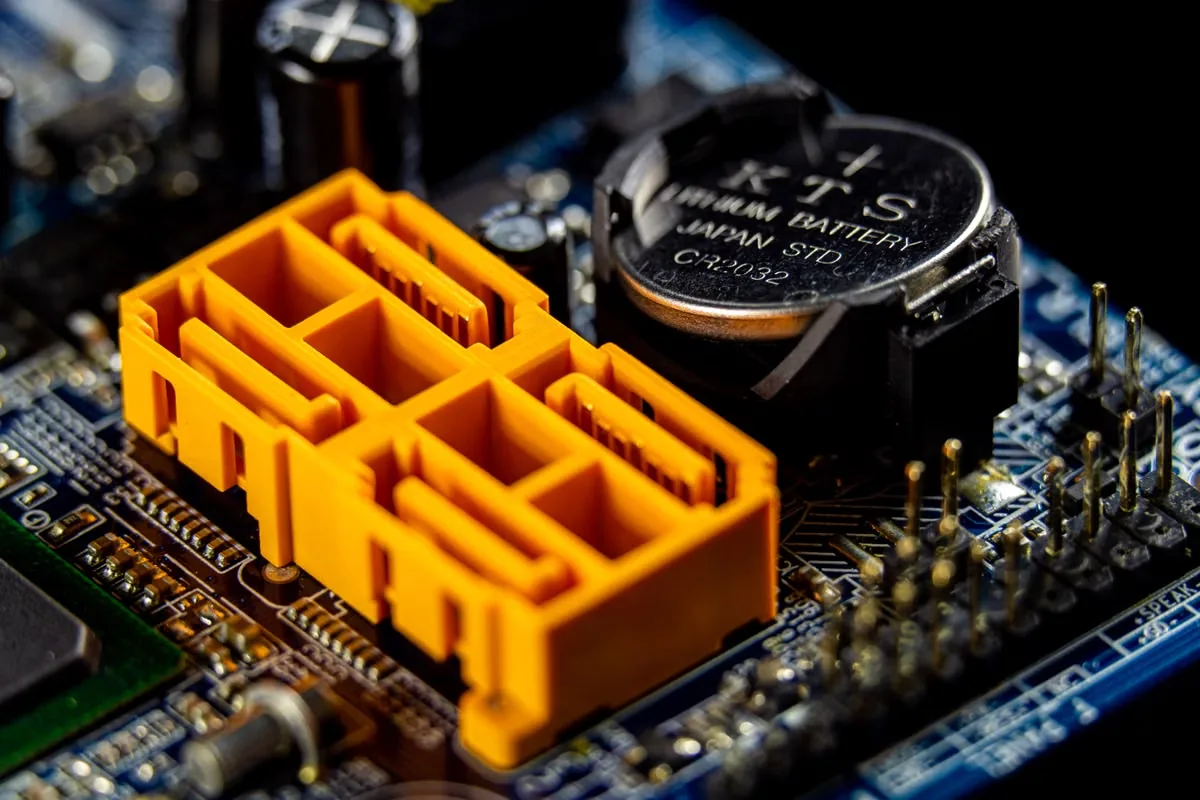
Inside the Device
Map Every Consumer Electronics Thermal Interface
Compact electronics do not share one thermal requirement. Chip power, enclosure thickness, orientation, user contact, fan strategy, battery location and service model determine the right thermal path.
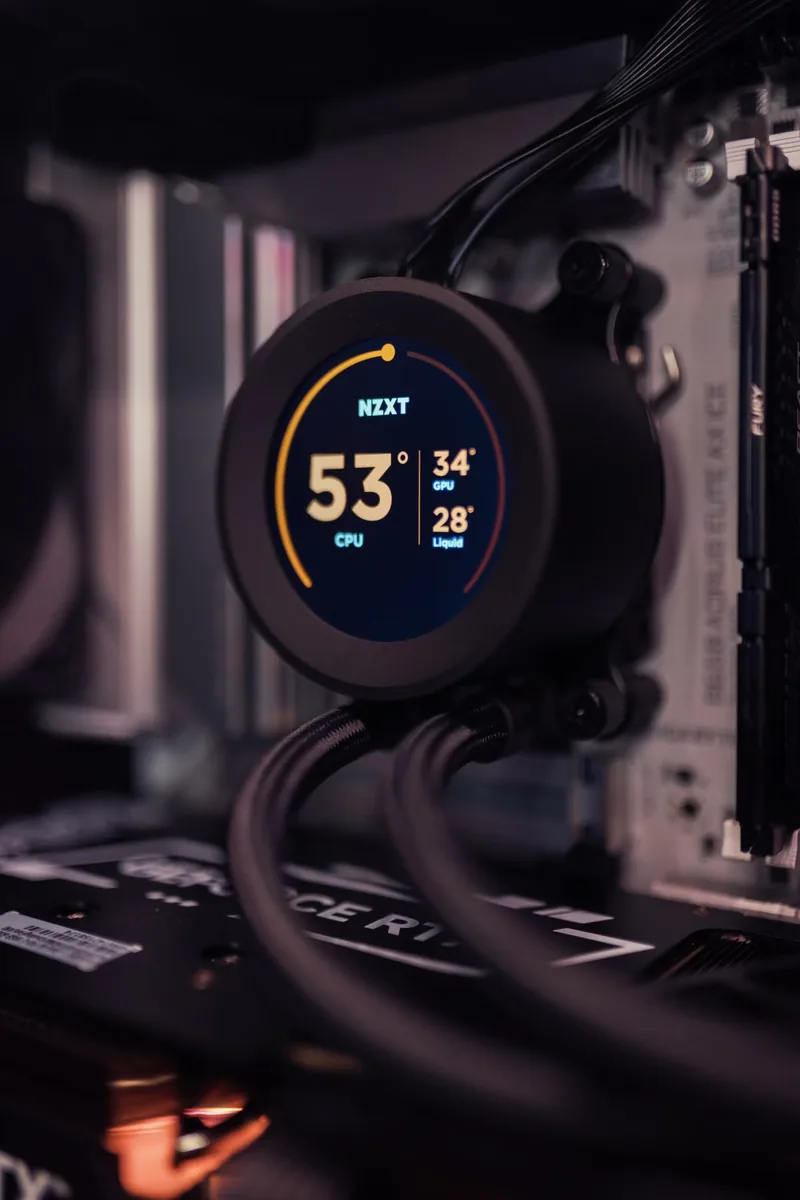
Laptop CPU and GPU Thermal Management
Control thin processor interfaces, VRM and memory gaps, heat-spreader contact and repeated boost cycles while balancing noise, keyboard temperature and serviceability.
Choose Thermal Paste for CPUs →
Smartphone, Tablet and Wearable Heat Spreading
Move localized heat through graphite, films, frames and ultra-thin interfaces while limiting pressure on displays, batteries, cameras and fine-pitch assemblies.
Review Thermal Paste in Smartphones →
Chargers, Displays and Smart-Home Electronics
Bridge converters, LED drivers, processors and communication components into compact housings while supporting insulation, low surface temperature and high-volume assembly.
Explore Electronic Adhesives →Material Families
Choose Consumer Electronics Thermal Materials by Function
Begin with real gap, contact pressure, heat-spreading direction, device orientation, cleanliness and assembly process. Then compare the material that can hold contact through user heat cycles and mechanical events.
 01
01Ultra-Thin Consumer Thermal Pads
Provide clean placement, controlled thickness and cushioning between memory, VRMs, controllers, shields, spreaders and housings.
- Sheet, roll or die-cut supply
- Low-pressure conformance
- Repeatable placement
 02
02Graphite Heat-Spreading Pads
Spread concentrated heat laterally across thin devices when vertical thickness is limited and hot-spot uniformity matters.
- High in-plane conduction
- Thin, light construction
- Custom shape and lamination
 03
03Low-Resistance Consumer Thermal Grease
Wet thin, flat and clamped CPU, GPU or power interfaces where minimal bond line and serviceable assembly are priorities.
- Thin interface capability
- Low contact resistance
- Controlled dispense or print
 04
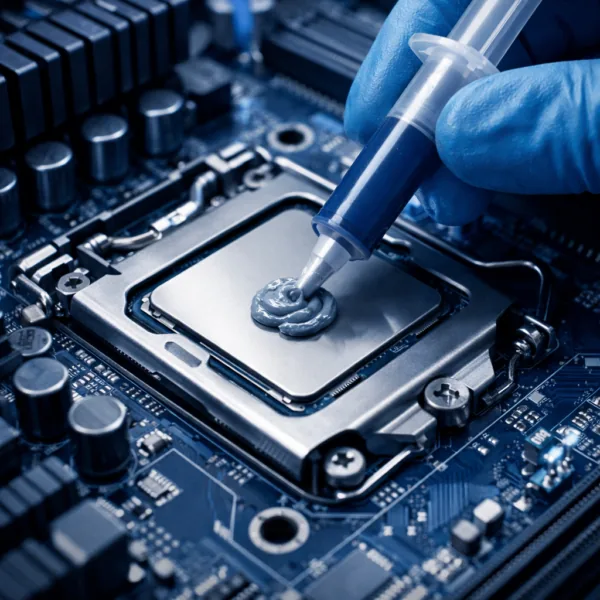
04Reworkable Thermal Gel and Putty
Fill variable component-to-shield or housing gaps with soft material that conforms at low pressure and supports complex geometries.
- Mixed component heights
- Low assembly stress
- Dispensable production format
 05
05Silicone-Free and Low-Outgassing Interfaces
Control heat near displays, cameras, microphones, contacts, coatings and bonding zones where migration or fogging matters.
- Clean-contact strategy
- Pad, grease or gel options
- Compatibility validation
 06
06Phase Change and Bonding Materials
Create thin repeatable interfaces or attach spreaders, frames and cooling parts for high-volume consumer assemblies.
- Dry handling before operation
- Thin bond-line control
- Bonding or reflow options
Format Comparison
Compare Consumer Thermal Pads, Paste, Gel and Graphite
The strongest consumer thermal material is the one that meets temperature, thickness, touch, acoustics, drop and production targets after cycling—not the one with the highest headline W/mK.
| Material Format | Best-Fit Consumer Interface | Primary Advantage | Design Watch Points |
|---|---|---|---|
| Thermal pad | Memory, VRM, controller, shield and housing gap | Defined thickness, clean placement and cushioning | Hardness, compression, tolerance and imprint |
| Graphite pad | Smartphone, tablet, display and thin enclosure | Lateral spreading with low thickness and weight | Electrical conductivity, edge design and handling |
| Thermal paste | CPU, GPU and flat clamped processor interface | Low bond line and strong surface wetting | Pump-out, drying, volume control and service |
| Thermal gel or putty | Mixed-height components and irregular shield gaps | Soft conformance and inventory flexibility | Slump, migration, dispense control and residue |
| Phase change TIM | Thin processor, charger or power-device interface | Dry placement and wetting after heating | Activation temperature, cycling and preload |
| Thermal adhesive | Spreader, frame, sensor or heat sink needing fixation | Attachment and heat transfer in one process | Cure, modulus, bond line and repair |
Selection Workflow
Build a Consumer Electronics Thermal Material Brief in Five Steps
A useful brief connects device performance to the real stack, skin-temperature limit, orientation, mechanical events, manufacturing process and repair model.
Map the Consumer Device Heat Path
Identify processors, memory, PMICs, chargers, batteries, spreaders, frames, displays and enclosures.
Measure the Thin Device Stack
Record gaps, board and frame flatness, contact area, tolerance, shields and available pressure.
Define Touch and Cleanliness Limits
Confirm surface-temperature targets, optical zones, contacts, coatings, microphones and migration risks.
Choose the Production Process
Set die-cut placement, dispensing, printing, cure, inspection, takt time and repair expectations.
Validate User Reliability
Test performance through heat cycles, orientation, drop, flex, vibration, charging and long-term aging.
Engineering Variables
What Should Be Specified Before Consumer Electronics Sampling?
Sampling improves when the candidate represents the real device stack, power mode, pressure, orientation and production conditions. Share minimum and maximum values when the mechanical design is still changing.
 The final assembled thickness and contact—not one datasheet value—define device temperature.
Power Modes and Temperature Targets
Idle, sustained, boost and charging loads, component limits, skin-temperature target and ambient range.
Gap and Contact Geometry
Minimum, nominal and maximum gap, area, flatness, roughness, tolerance and device orientation.
Pressure, Flex and Drop
Fastener or clip load, display and board fragility, chassis flex, drop shock and vibration.
Electrical and Optical Cleanliness
Insulation needs, conductive edges, camera and display proximity, outgassing and residue limits.
User and Reliability Profile
Repeated heat cycles, charging, storage, humidity, sweat, orientation, service hours and expected lifetime.
Manufacturing and Repair Process
Placement or dispense method, cycle time, inspection, automation, rework access and replacement strategy.
Failure Prevention
Prevent Consumer Electronics Thermal Interface Failures
A material can pass an initial benchmark and still lose contact, migrate, dry, contaminate optics or create inconsistent device temperature after user heat cycles and mechanical events.
Excessive Pad Compression and Device Stress
A pad that is too firm can bend boards, shields or displays and overload components.
Review Compression Effects →Paste Pump-Out During User Heat Cycles
Repeated processor boosting and chassis movement can move paste away from the contact zone.
Understand Thermal Paste Pump-Out →Thermal Paste Drying and Cracking
Volatile loss, high temperature and poor application can change wetting and resistance over time.
See Why Thermal Paste Dries Out →Fogging and Contact Contamination
Migration and outgassing near cameras, displays, microphones and switches can affect function.
Review Low-Outgassing Materials →Too Much or Too Little Thermal Paste
Incorrect volume creates voids, squeeze-out, mess and inconsistent processor temperature.
Review Thermal Paste Volume →Stacked Pads and Uncontrolled Thickness
Stacking can trap air, shift during assembly and produce unpredictable compression and resistance.
Learn Why Pad Stacking Is Risky →Device Categories
Match Thermal Materials to Consumer Electronics Applications
Power density, thickness, user contact, battery location, acoustics and repair model change the right balance of conductivity, softness, cleanliness and handling.

Laptops and Gaming Systems
- CPU, GPU, VRM and memory
- Boost cycles and acoustic limits
- Serviceable cooling assemblies

Smartphones, Tablets and Wearables
- Ultra-thin spreading paths
- Battery and touch-temperature limits
- Camera and display cleanliness
Monitors, TVs and Entertainment Devices
- Display driver hot spots
- Thin back covers and low noise
- Optical compatibility

Chargers, Power Banks and Smart Home
- Converters and charging ICs
- Compact sealed housings
- Electrical insulation
Validation Plan
Validate Consumer Electronics Materials in the Real Device
Datasheet values narrow candidates. Device-level testing confirms whether thermal, mechanical and cleanliness performance remain stable through actual use and assembly variation.
Explore Material Selection and Testing →Thermal Performance
Measure component, spreader, enclosure and skin temperature at sustained and burst loads.
Contact and Pressure
Confirm bond line, compression, wetting and contact after repeated heat cycles.
Mechanical Reliability
Test flex, drop, vibration, shock and movement through assembly tolerances.
Cleanliness Compatibility
Check fogging, migration, residue and compatibility with optics, coatings and contacts.
Orientation and Aging
Run hot storage, cycling and multiple orientations to reveal slump, bleed or pump-out.
Production Capability
Check placement, printing, dispensing, inspection, takt time, yield and repair.
From Prototype to Production
Scale Consumer Electronics Materials With Process Control
Haktak can support material formulation and delivery format. Share device drawings, gap ranges, cleanliness constraints, assembly equipment, reliability plan, repair model and annual volume early.
Custom Thermal Properties
Tune conductivity, hardness, viscosity, tack, electrical behavior and outgassing.
Precision Die-Cut Parts
Supply thin pads and films with apertures, tabs, liners and placement geometry.
Dispensing and Printing Support
Align paste, gel or adhesive packaging with shot size, stencil, equipment and takt time.
Engineering Samples
Compare formats and thicknesses before device validation and production release.
Engineering Resources
Consumer Electronics Thermal Management Guides
Use these guides to define processor interface, pad thickness, phase-change behavior, cleanliness and reliability before product qualification.
Common CPU Thermal Paste Mistakes
Avoid volume, coverage and mounting errors that create inconsistent device temperatures.
Read the CPU Paste Guide →GPU Thermal Pad Lifespan
Review compression, heat cycles and replacement factors in gaming and compute hardware.
Review GPU Pad Lifespan →Select Thermal Pad Thickness
Match actual tolerance and allowable pressure without creating an unnecessarily thick interface.
Review Pad Thickness Selection →Phase Change Material vs. Thermal Paste
Compare dry handling, activation, wetting, cycling and repair for thin processor interfaces.
Compare PCM and Paste →Low-Modulus Thermal Gel
Understand soft gap filling for fragile boards, shields and tolerance-sensitive components.
Read the Low-Modulus Gel Guide →Browse Haktak Consumer Materials
Review thermal pad, paste, gel, graphite, phase-change and adhesive product families.
Browse All Products →Frequently Asked Questions
Consumer Electronics Thermal Material FAQ
Final material selection should be validated in the real device, orientation, power modes and production process.
Which thermal material is commonly used in laptops?
Thermal paste or phase-change material is common at CPU and GPU interfaces, while pads or putty bridge memory, VRM and shield gaps. Selection depends on bond line, pressure, cycling and service.
Are graphite thermal pads useful in smartphones?
Graphite can spread localized heat laterally through a very thin, light layer. Electrical conductivity, edge insulation, lamination, handling and the complete heat path must be considered.
When should consumer electronics use silicone-free material?
Consider silicone-free materials near cameras, displays, microphones, sensitive contacts, coatings or downstream bonding where siloxane migration or fogging is a concern.
Is higher thermal conductivity always better?
No. Final temperature also depends on thickness, contact resistance, pressure, coverage, orientation and aging. A conformable material can outperform a higher-W/mK material with poor contact.
Should a consumer device use paste, pad or gel?
Use paste for very thin clamped interfaces, pads for defined gaps and clean placement, and gel or putty for variable gaps and low-stress conformance. Validate the real assembly.
What information does Haktak need for a recommendation?
Share device type, heat sources, power modes, gap, contact area, pressure, thickness, optical constraints, mechanical tests, assembly process, repair model and volume.
Start With the Complete Device Stack
Send the Power Modes, Gap, Thickness and Production Process
Haktak can help compare thermal pads, paste, graphite, gel, phase-change and adhesive materials for laptops, gaming, mobile, display and smart devices.